Table of Contents
8The Critical Importance of Server Hardening in 2026
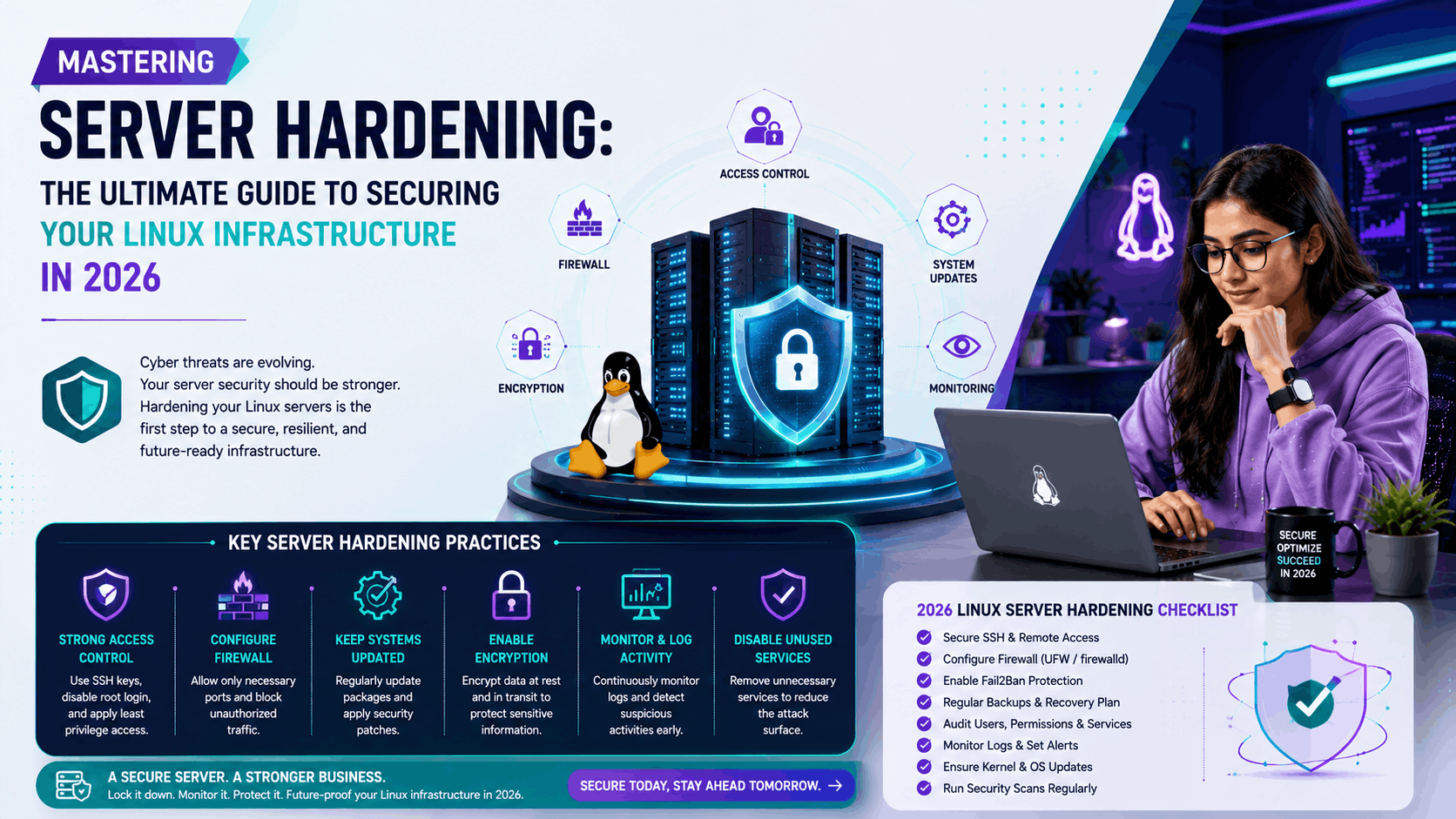
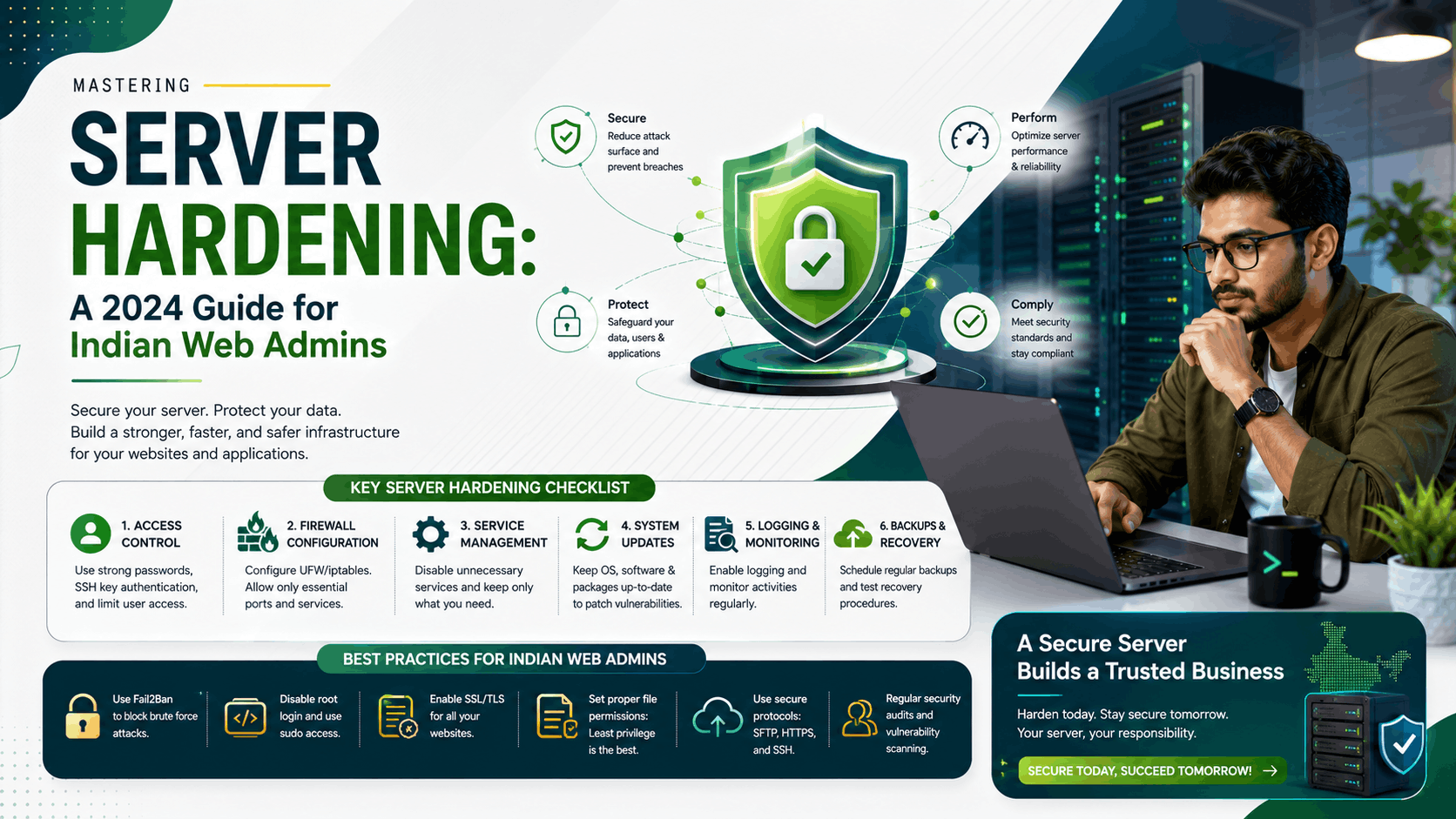
In an era where cyber threats are becoming increasingly sophisticated, server administration is no longer just about uptime and performance; it is primarily about security. As businesses in India shift rapidly toward digital-first models, the vulnerability of unhardened servers has become a primary target for automated bots and malicious actors. Hardening your server is the process of securing a system by reducing its surface of vulnerability, ensuring that only necessary services run and that access is strictly controlled.
1. Update and Patch Management: The First Line of Defense
The most common entry point for attackers is unpatched software. Hackers frequently exploit known vulnerabilities for which patches have already been released. Implementing an automated update cycle is non-negotiable. Whether you are using Ubuntu, CentOS, or Debian, ensuring your repositories are up to date is the foundation of server health. Use tools like unattended-upgrades to ensure critical security patches are applied automatically without human intervention.
2. SSH Hardening: Locking the Front Door
SSH is the primary gateway for server administration. By default, it is a high-value target. To harden your SSH access, consider the following:
- Disable Root Login: Never allow direct root access via SSH. Create a standard user with sudo privileges instead.
- Change Default Port: While not a complete security solution, moving SSH from port 22 to a non-standard port reduces noise from automated bots.
- Use Key-Based Authentication: Disable password-based logins entirely in favor of SSH keys. This makes brute-force attacks virtually impossible.
3. Implementing a Robust Firewall
A server without a firewall is like a house with an open door. Using UFW (Uncomplicated Firewall) or iptables, you should implement a 'deny-all' policy by default. Explicitly allow only the traffic that is necessary for your applications, such as ports 80 (HTTP), 443 (HTTPS), and your modified SSH port. This minimizes the attack surface significantly.
4. Intrusion Detection Systems (IDS)
Even with strict controls, you need to know if someone is probing your defenses. Installing Fail2Ban is a standard industry practice. Fail2Ban scans your log files for suspicious activity—such as repeated failed login attempts—and automatically updates your firewall to ban the offending IP addresses for a set period. This is an essential tool for any server administrator managing public-facing web servers.
5. Data Encryption and SSL/TLS
In 2024, there is no excuse for unencrypted traffic. Ensure that all data transmitted to and from your server is encrypted using the latest TLS protocols. At HostAsia, we emphasize the importance of using strong cipher suites and disabling outdated protocols like TLS 1.0 and 1.1. This not only protects user data but also improves your SEO rankings, as search engines prioritize secure sites.
6. Regular Backups: Your Ultimate Safety Net
Hardening is about prevention, but a disaster recovery plan is about resilience. Even the most secure server can fall victim to zero-day exploits or human error. Regular, automated, and off-site backups are your last line of defense. Ensure that your backup strategy includes testing restoration processes periodically so you aren't caught off guard when you need them most.
Conclusion
Server hardening is an ongoing process, not a one-time configuration. As a web admin, staying informed about the latest security threats is part of the job. By implementing these fundamental strategies, you significantly reduce the risk of compromise, protecting your data and your users' trust. If you are looking for secure, managed hosting solutions, HostAsia provides the infrastructure and support needed to keep your servers running safely and efficiently.
Frequently Asked Questions
Key takeaways and answers related to this article

HostAsia Cloud Engineering Team
Verified AuthorHostAsia Cloud Engineering Team
Verified AuthorHostAsia provides enterprise cloud web hosting, NVMe VPS, and instant domain registration powered by Tier-4 India (Mumbai) and Singapore datacenters with automated GST billing and 24/7 technical support.
Discussion & Comments0
Ask questions, share real-world tips, or connect with fellow developers
Loading discussion comments...
Related Guides & Articles
Continue exploring technical benchmarks and hosting tutorials
Mastering eBPF: The Future of Linux Server Performance and Observability
Mastering Server Hardening: The Ultimate Guide to Securing Your Linux Infrastructure in 2026